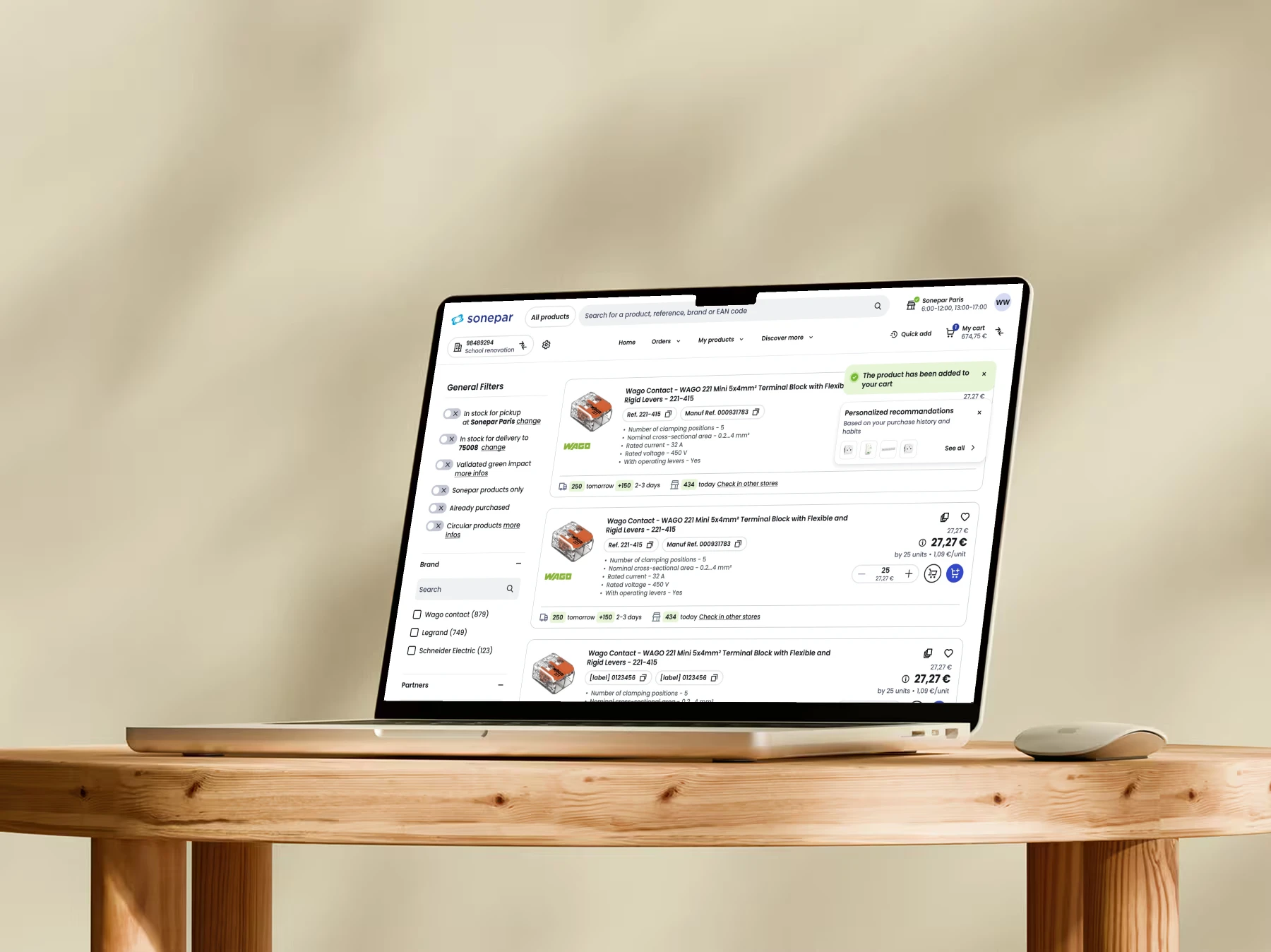
Ordering cables in two clicks
A cutting feature that lets professionals order cables to the exact length, with the price recalculated live, without going through phone calls or a sales rep.
Context
Spark is a B2B e-commerce platform built by Sonepar, one of the leaders in the building and electrical sector. Among the products in the catalog, cables are sold by the meter and need to be ordered to the exact length required for the job site or project. This strong business constraint wasn't addressed by the platform, which didn't offer a cutting mechanism at the time of ordering.
I worked on this feature in UX and UI design, in collaboration with the Product Manager and developers.
Problem faced
Professional buyers order cables to precise lengths, which vary from project to project. Without a cutting feature on Spark, they were forced to go through other channels to place this type of order (phone, email, field sales rep), which created friction and slowed down the purchasing process.
For the platform, this was a missed opportunity: an entire product category was effectively excluded from the online purchasing journey.
Feature objectives
- Integrate the business constraints related to cables: minimum length, maximum length, cutting increments, and price-per-meter calculation
- Provide a clear, unambiguous experience to avoid ordering errors
My role
- UX design: defining the user flow, handling edge cases and business constraints, wireframes
- UI design: designing components and states for the MVP and post-MVP evolution
Exploring the problem
Cable cutting involved several technical and commercial constraints that needed to be factored in from the design stage:
- Minimum and maximum length: each cable reference has its own thresholds, below or above which cutting isn't possible
- Cutting increments: some cables can only be cut in defined increments (e.g., in multiples of 5 cm), which requires strict input validation
- Price per meter: the total price must recalculate dynamically based on the entered length, in a way that's transparent to the buyer
First design iteration
The cable cut-to-length option is integrated directly into the buy box.
- The user manually enters the desired length in a dedicated field on the product page
- The total price recalculates dynamically based on the entered length
- An explanation of how cable cutting works

Design issues encountered during internal prototype testing:
- One extra click required to access cable cutting. It only serves to indicate the action rather than to actually perform it
- In rarer cases, having many cut lines can overload the page and push content below the fold
Second design iteration
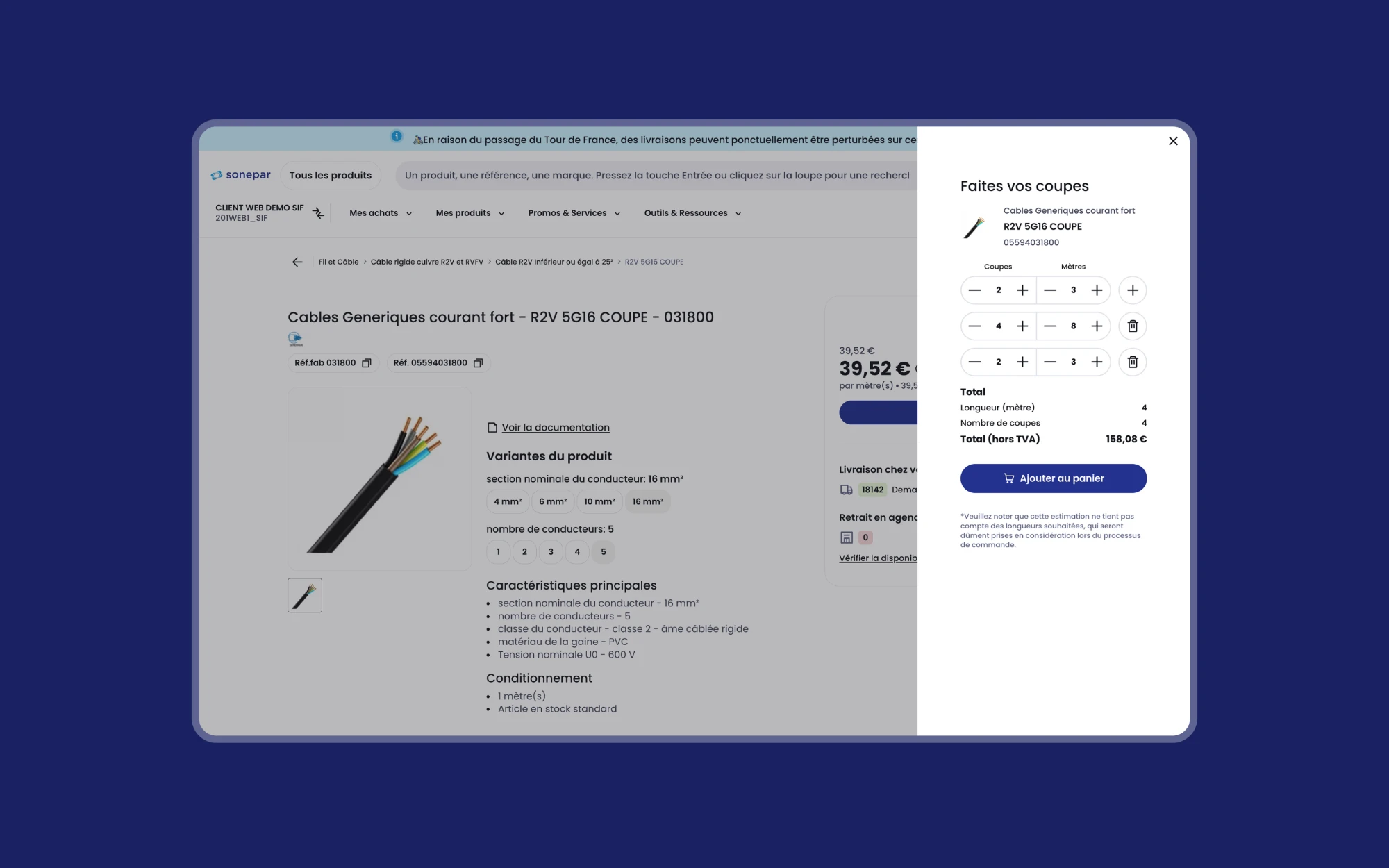
Drawer and entry point on the product card. Following feedback on the prototype, we evolved the feature along two axes.
An overlay drawer replaced the inline integration. This change made it possible to give more space to the input field and related information (length constraints, price summary) without compressing the product page.
An entry point from the product card was added, allowing the user to access cable cutting directly from the product listing, without having to navigate to the product page. This shortcut reduced the number of steps for buyers who already know what they're looking for.

Results
Ordering is now much simpler: there's no need to add the same cable to the cart several times, and every cut can be set up in a few seconds from the product page. Buyers save time on every order.
Users understood the feature well and use it naturally while building their cart.